✂️ PDF Splitter
Extract pages or split a PDF by custom ranges
Upload PDF file
Drag & drop or click to browse (max 200MB)
PDF Splitter Tool: Easily Extract and Organize PDF Pages
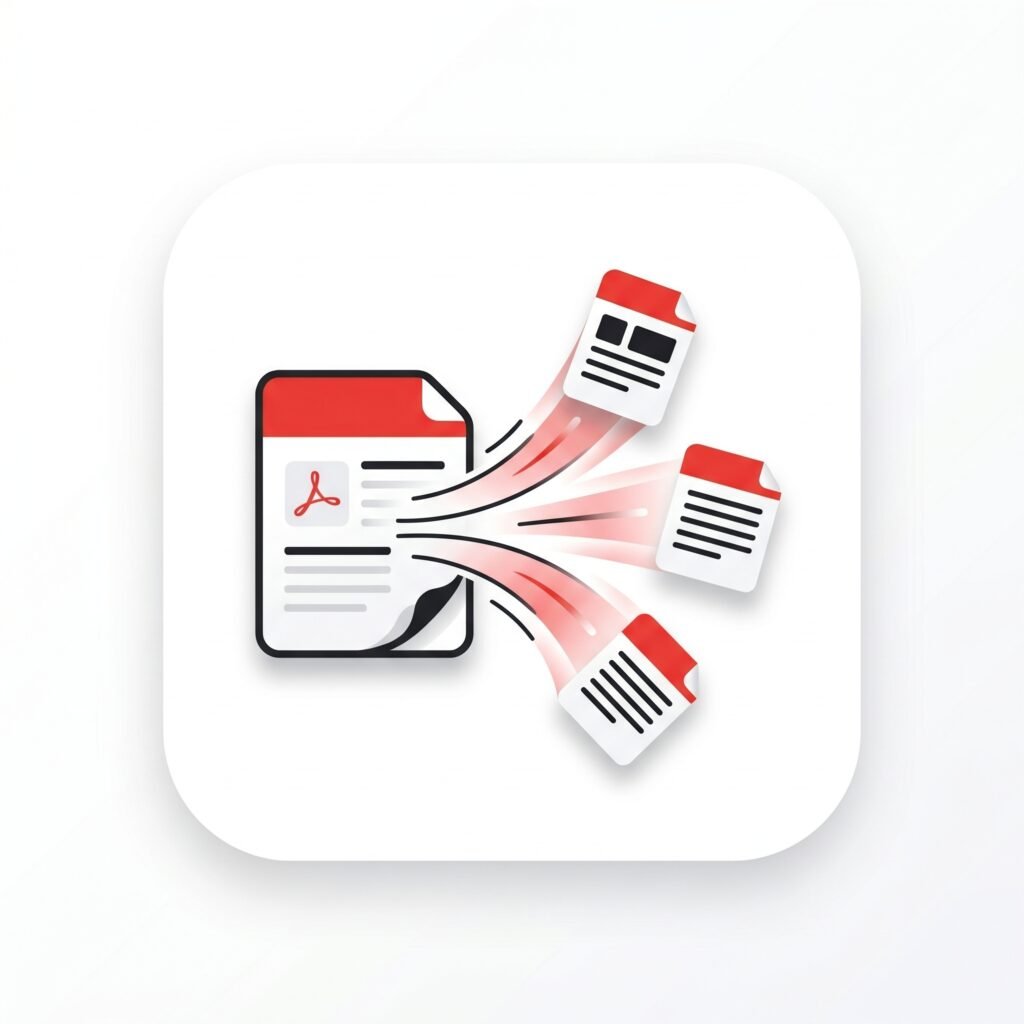
A PDF Splitter tool is one of the most useful digital utilities for managing large PDF documents quickly and efficiently. Instead of dealing with one massive PDF file, a PDF splitter allows users to divide a document into smaller, organized sections. Whether you are a student separating lecture notes, a business professional extracting contracts, or someone handling scanned documents, a PDF splitter makes file management simpler and faster.
In today’s digital workspace, PDF files are everywhere. Reports, invoices, eBooks, presentations, legal papers, and study materials are commonly shared in PDF format because they maintain consistent formatting across devices. However, large PDF files can become difficult to navigate and share. This is where a reliable PDF Splitter tool becomes incredibly valuable.
Why People Use PDF Splitter Tools
Large documents are often filled with unnecessary pages that users do not always need. Instead of sending an entire 100-page file, users can extract only the relevant pages using a PDF splitter. This saves time, reduces file size, and improves productivity.
Students frequently use PDF splitters to separate chapters from textbooks or divide scanned class notes into smaller sections. Businesses also rely heavily on PDF splitting for organizing contracts, invoices, project reports, and HR documents. Rather than scrolling endlessly through large files, teams can work with clean, focused documents.
Key Features of a Good PDF Splitter
Modern PDF splitter tools come with powerful features designed to improve the user experience.
| Feature | Benefit |
|---|---|
| Page Extraction | Remove specific pages easily |
| Batch Splitting | Split multiple PDFs quickly |
| Drag-and-Drop Upload | Faster file handling |
| Cloud Support | Access files from anywhere |
| Secure Processing | Protect sensitive documents |
Many online PDF splitter tools also allow users to preview pages before extracting them. This makes the process far more accurate and convenient.
Benefits of Using a PDF Splitter
One major advantage of using a PDF splitter is better organization. Large files often feel cluttered and overwhelming. Splitting them into smaller sections creates a cleaner workflow and makes important information easier to find.
Another benefit is faster sharing. Smaller files upload and download more quickly, especially when sending documents through email or cloud storage platforms. This is particularly useful for professionals who regularly exchange large files with clients or coworkers.
Security is another overlooked advantage. Instead of sharing an entire confidential document, users can extract only the necessary pages. This reduces the risk of exposing sensitive information accidentally.
Online vs Desktop PDF Splitter Tools
Online PDF splitter tools are extremely popular because they work directly in a browser without installation. They are fast, convenient, and accessible from almost any device. Desktop software, however, is often preferred for handling very large documents or sensitive files because it works offline.
Choosing the right option depends on your needs. Casual users may prefer online tools for simplicity, while professionals may choose desktop applications for added security and advanced features.
How to Split PDF Files
Using a PDF splitter is usually very simple:
- Upload the PDF document
- Select the pages you want to extract
- Choose the splitting method
- Click the split button
- Download the new PDF files
The entire process often takes less than a minute.
Conclusion
A PDF Splitter tool is an essential solution for anyone who regularly works with digital documents. It improves organization, saves time, enhances privacy, and makes sharing files significantly easier. As remote work, online education, and digital communication continue growing worldwide, PDF management tools like PDF splitters are becoming more important than ever.Every web tool at Trim The List is carefully optimized to align with international [Digital Document Standards] to guarantee your files are processed safely, quickly, and with 100% original quality.
Other Useful Tools
Extracted your pages successfully? If you need to turn these separate PDF documents back into editable raw text, try our fast [PDF to Text] converter instantly.